


Guides
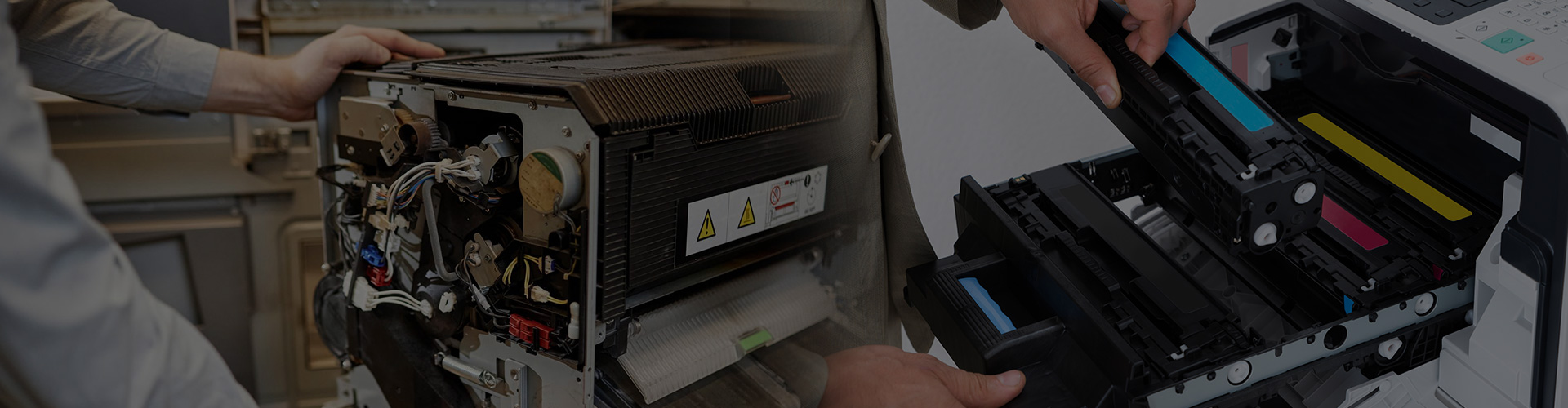
DIY Copier Maintenance: What Can You Fix

Your office copier is a reliable workhorse—but even the best machines need a little care from time to time. Before you call in a techni...
Printing on Labels with Your Sharp Copier: How to Do It Right
Printing on labels or specialty paper using a Sharp copier? It’s totally doable—but if done wrong, it can lead to jams, smudging, or ev...
Customizing the Home Screen Buttons on Your Sharp Copier
Your Sharp copier’s home screen doesn’t have to stay factory default. Whether you want to prioritize scanning, copying, or shortcuts to...
How to Use the Bypass Tray for Special Media on a Sharp Copier
When printing on special materials like labels, envelopes, or cardstock, the bypass tray is your best friend. It allows you to manually...
How to Check and Clear the Print Queue from Your Computer
If your Sharp copier isn’t printing or seems stuck, the issue might be in the print queue on your computer. Print jobs can get stuck fo...
How to Print in Duplex (2-Sided Printing) on a Sharp Copier
Looking to save paper and reduce clutter? Duplex printing (also known as 2-sided printing) is one of the easiest ways to cut costs and ...
How to Check Your Sharp Copier’s IP Address
Need to connect your Sharp copier to a computer, set up scanning, or access the web interface? You’ll need its IP address first. Here’s...
How to Properly Load Paper and Set Sizes on Your Sharp Copier
To load paper the right way may seem simple, but doing it wrong can cause paper jams, skewed prints, and unnecessary frustration. Wheth...
How to Change Scan Resolution on a Sharp Copier
Changing the scan resolution on your Sharp copier can significantly improve the quality of your scans. Whether you need high-resolution...
How to Set Sharp Copier to Print in Black & White by Default
Setting your Sharp copier to print in black and white by default can help save toner and lower printing costs—especially if color isn't...