


Blog
How to Change Scan Resolution on a Sharp Copier

Changing the scan resolution on your Sharp copier can significantly improve the quality of your scans. Whether you need high-resolution...
How to Set Sharp Copier to Print in Black & White by Default
Setting your Sharp copier to print in black and white by default can help save toner and lower printing costs—especially if color isn't...
How to Install the Correct Sharp Print Driver for Your Copier
If you're setting up a Sharp copier like the MX-3070 or MX-3071, installing the correct print driver is essential. It helps your comput...
Add an Email to the Address Book on a Sharp (MX-3070/3071)
If your team scans documents often, saving contacts in the copier’s address book can make everything quicker and easier. This guide wil...
How to Scan to USB on a Sharp Copier (MX-3070/MX-3071 Series)
Need a quick way to digitize documents? Scanning directly to a USB stick is one of the easiest and fastest features on a Sharp copier. ...
How to Check the Total Count on a Sharp MX-3070 Series Copier
Need to know how many pages your Sharp copier has processed? Whether you're reporting usage or just keeping an eye on machine health, c...
How to Print From a USB Stick on a Sharp Copier
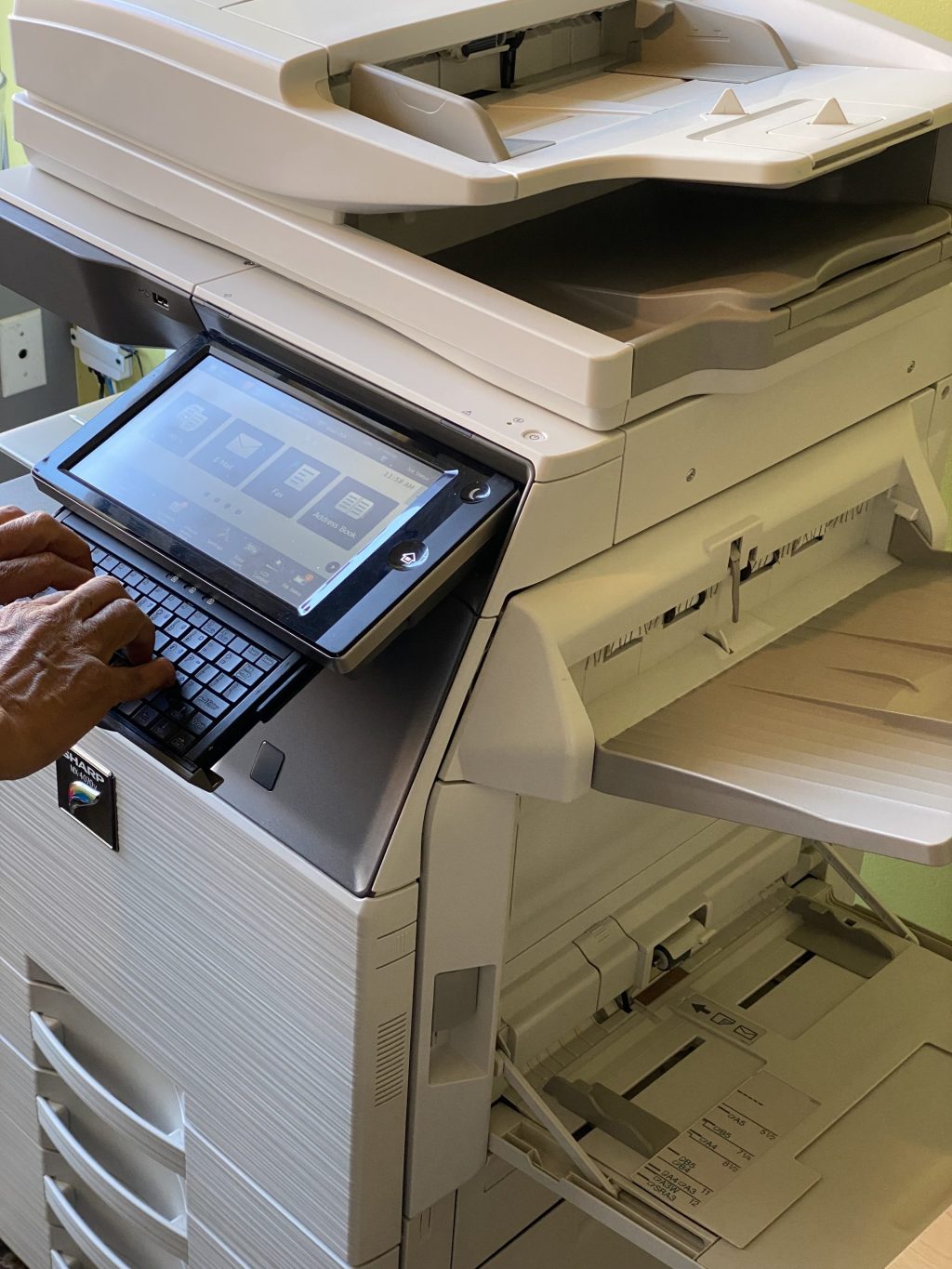
Sometimes you just need to print something fast — no Wi-Fi, no computer. Just your USB stick and the copier. If your Sharp copier suppo...
How to Clean Your Copier Glass for Crystal-Clear Scans
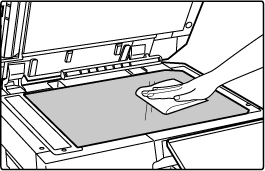
Blurry scans, faint lines, or weird streaks on your documents? It might not be your copier's fault — the glass could just be dirty. Cle...

Are You Using Your Copier to Its Full Potential?
Office copiers are often seen as simple machines — load paper, print documents, repeat. But when you dig a little deeper, you'll realiz...
Copier Cleaning: Why It Matters More Than You Think
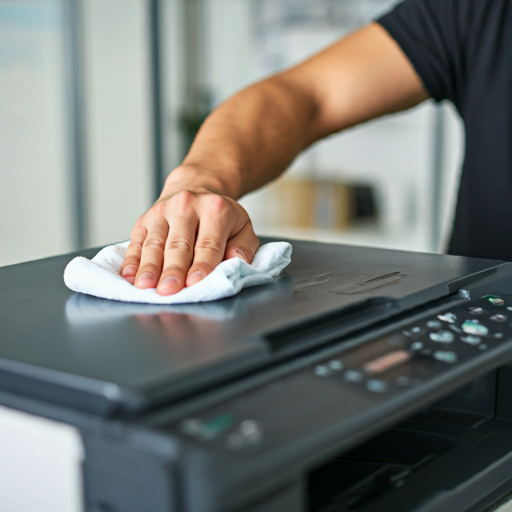
Copiers are complex machines that require more than just toner and paper to run smoothly. They also need regular cleaning to perform at...